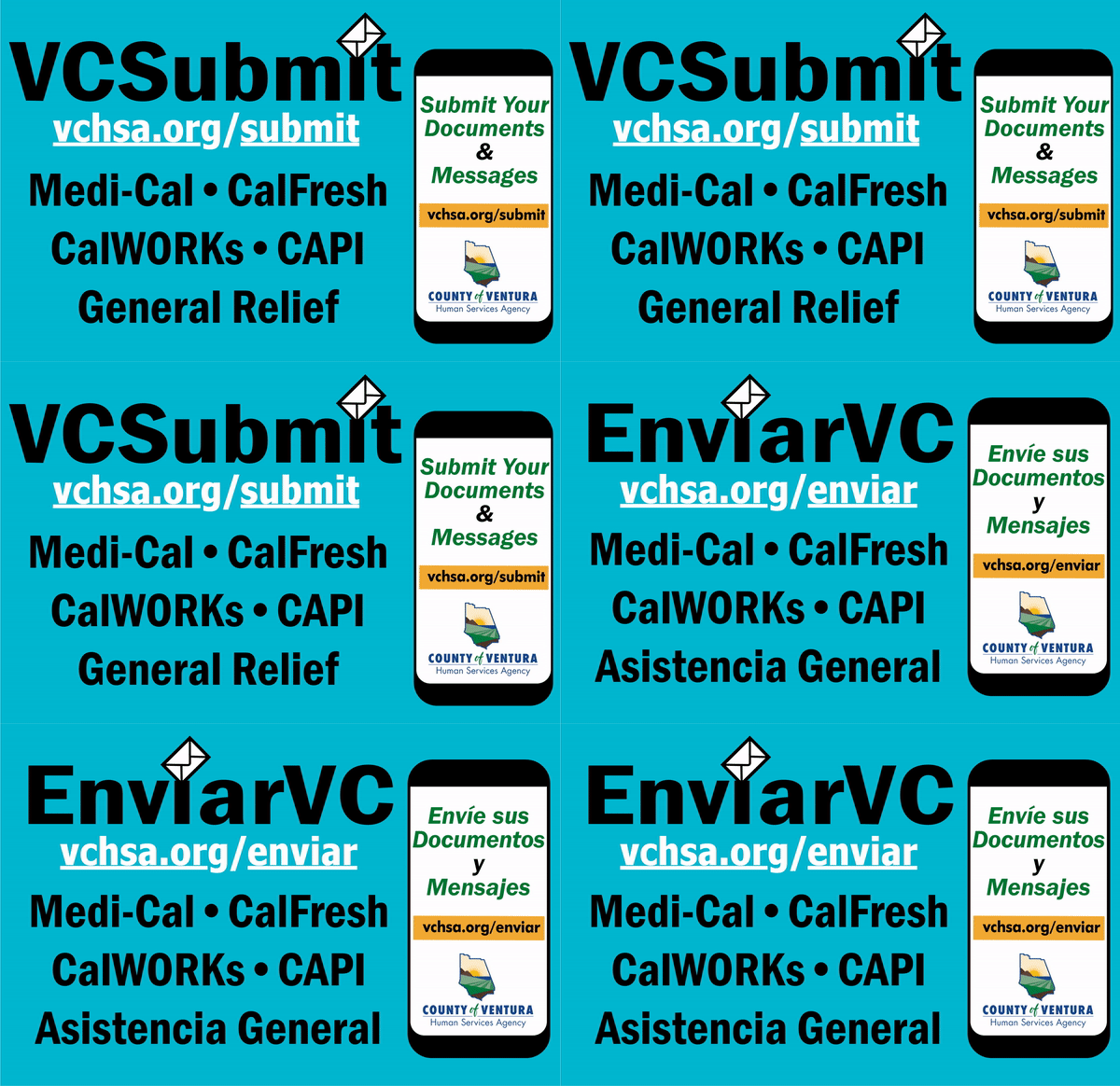
You can submit documents and send email messages via our client portal to help meet requirements for CalWORKs, CalFresh, Medi-Cal, General Relief and CAPI benefits. Here’s how:
Other Self-Service Options Available by Smart Phone, Tablet or Computer
BenefitsCal.com allows easy online access for the following services:
Check your case status
Get current benefit amounts
Check your renewal dates and renew benefits
View your benefit balance
Submit a photo of your verification
Locate the nearest Human Services Agency Community Service Center or America’s Job Center using GPS or zip code lookup
View your benefit balance
Submit a photo of your verification
By Phone or Fax
To speak with someone about changes to your income, address or household situation, call 888-472-4463, Monday–Friday, 8 a.m.–5 p.m., or fax your changes to 805-658-4530.
Submit your documents online & send email messages!
Translate Disclaimer
The venturacounty.gov website has been translated for your convenience using translation software powered by Google Translate. Reasonable efforts have been made to provide an accurate translation, however, no automated translation is perfect nor is it intended to replace human translators. Translations are provided as a service to users of the Ventura.org website, and are provided “as is.” No warranty of any kind, either expressed or implied, is made as to the accuracy, reliability, or correctness of any translations made from English into any other language. Some content (such as images, videos, Flash, etc.) may not be accurately translated due to the limitations of the translation software.
The official text is the English version of the website. Any discrepancies or differences created in the translation are not binding and have no legal effect for compliance or enforcement purposes. If any questions arise related to the accuracy of the information contained in the translated website, please refer to the English version of the website which is the official version.